

Deals & Dashboard
Lucid OTC provides a unified interface for discovering, monitoring, and participating in active and historical on-chain token deals across supported ecosystems.
The deals interface enables users to:
- browse active OTC deals
- review price, discount, payment, capacity, and vesting terms
- verify deal metrics
- track vesting positions
- manage purchased allocations
- monitor settlement and claim activity
Accessing OTC Deals
Users can access OTC deals directly from the Lucid App page.
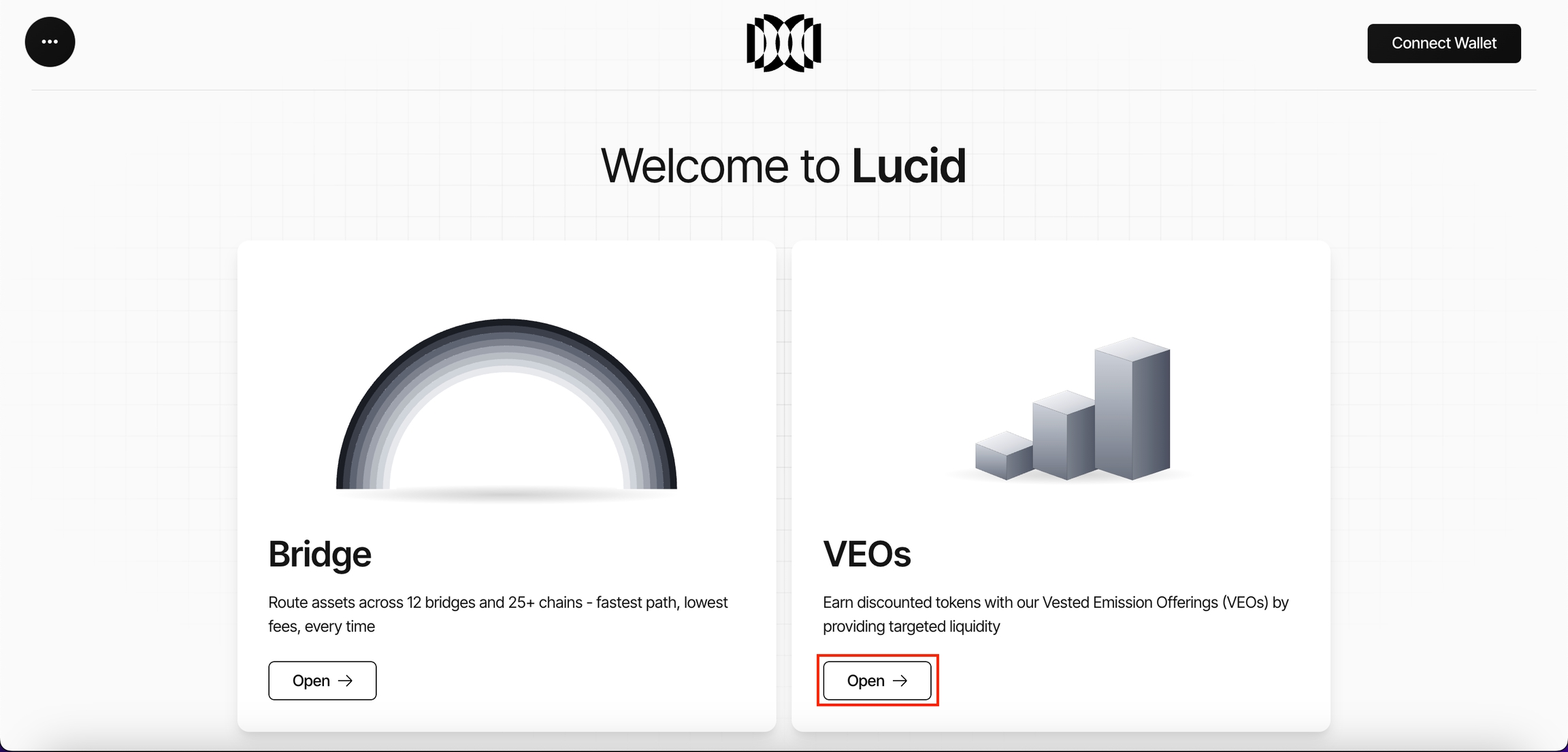
- Navigate to the OTC section.
- Click Open.
After opening the deals view, users can view active and historical OTC deals across supported organisations, subject to wallet eligibility and participation rules.
Deal Metrics
The dashboard displays aggregated ecosystem-wide OTC statistics.
Key metrics include:
| Metric | Description |
|---|---|
| Total Value Locked (TVL) | Combined value of assets participating across all deals |
| Total Deals | Total number of active and historical OTC deals |
| Unique Buyers | Total number of distinct participating wallet addresses |
These metrics provide visibility into overall market participation and liquidity coordination activity.
Deal Views
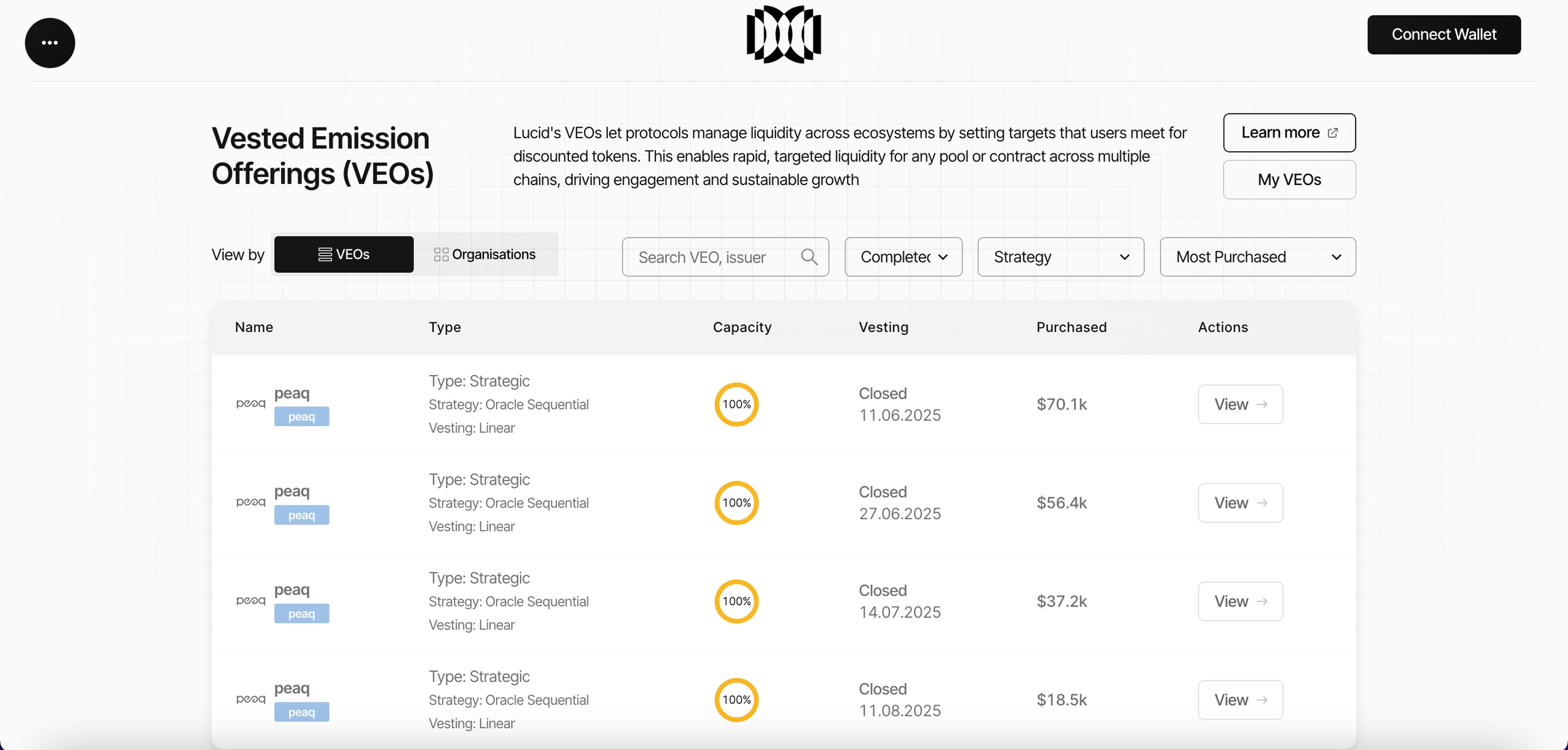
The OTC interface supports two primary views:
| View | Description |
|---|---|
| Deals View | Displays all visible OTC deals directly |
| Organisations View | Groups deals by issuing organisation or ecosystem |
This allows users to either:
- explore individual OTC deals
- or analyse organisation-level OTC activity
Deal Filters
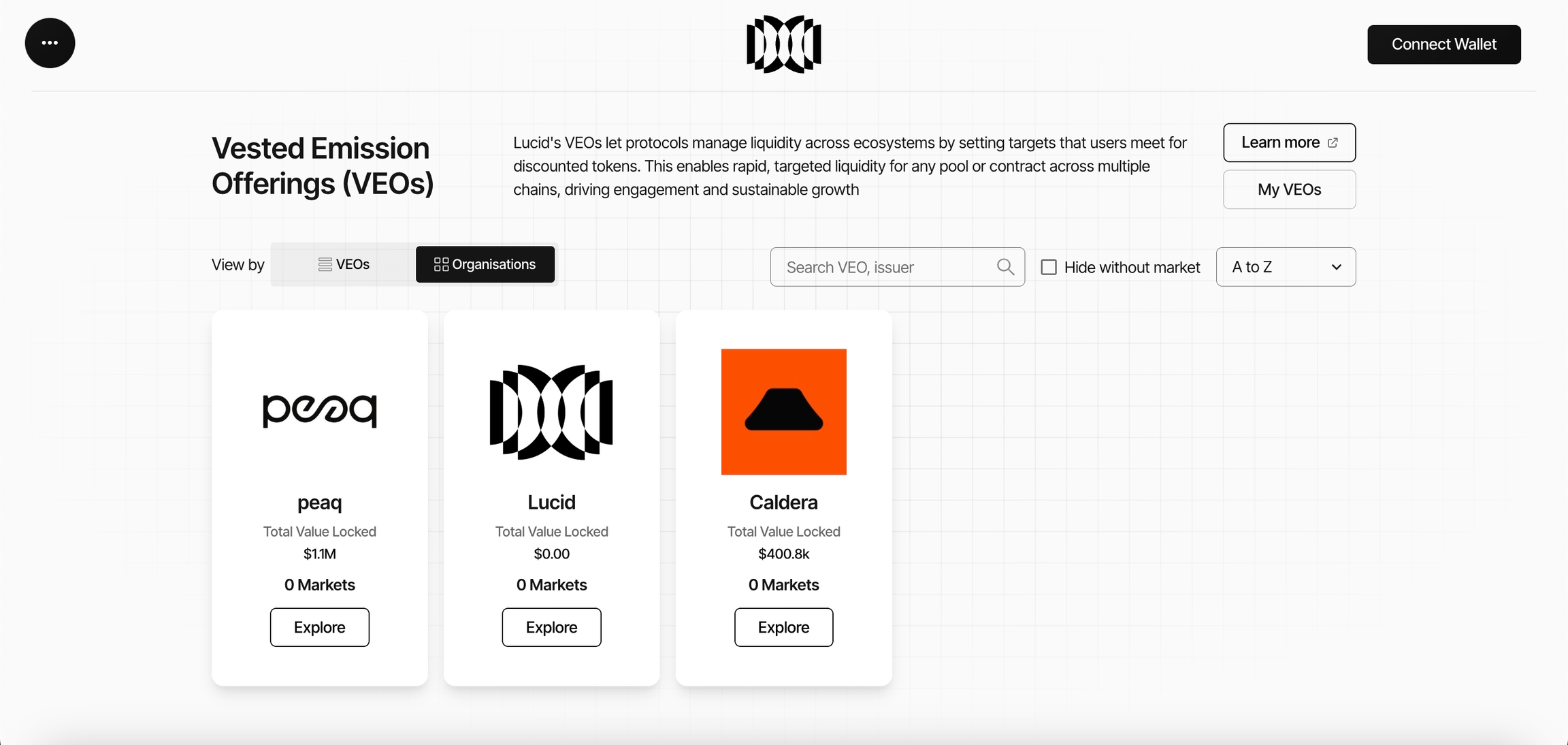
The OTC interface includes filtering and sorting tools to simplify deal discovery.
Supported filters include:
| Filter | Purpose |
|---|---|
| Search | Search by deal name or organisation |
| Status | Filter live or closed deals |
| Deal Type | Filter Strategic, Liquidity, or TVL deals |
| Price Strategy | Filter by pricing model |
| Discount Sorting | Sort by highest or lowest discounts |
These filters allow users to navigate available OTC deals efficiently.
Organisation Dashboard
Each organisation has a dedicated OTC dashboard displaying its deal activity and analytics.
The organisation dashboard includes:
- organisation profile information
- supported chains
- creation date
- organisation description
- OTC management access
- external ecosystem links
Dashboard Metrics
The dashboard provides real-time visibility into organisation-level OTC activity.
Key metrics include:
| Metric | Description |
|---|---|
| Total Value Locked | Total value locked across organisation deals |
| Total Deals | Number of OTC deals created by the organisation |
| Unique Buyers | Number of distinct participating addresses |
The dashboard also includes liquidity distribution visualisation across:
- Strategic Asset deals
- Liquidity deals
- TVL deals
Supported timeframes include:
- 1D
- 7D
- All
Available Deals
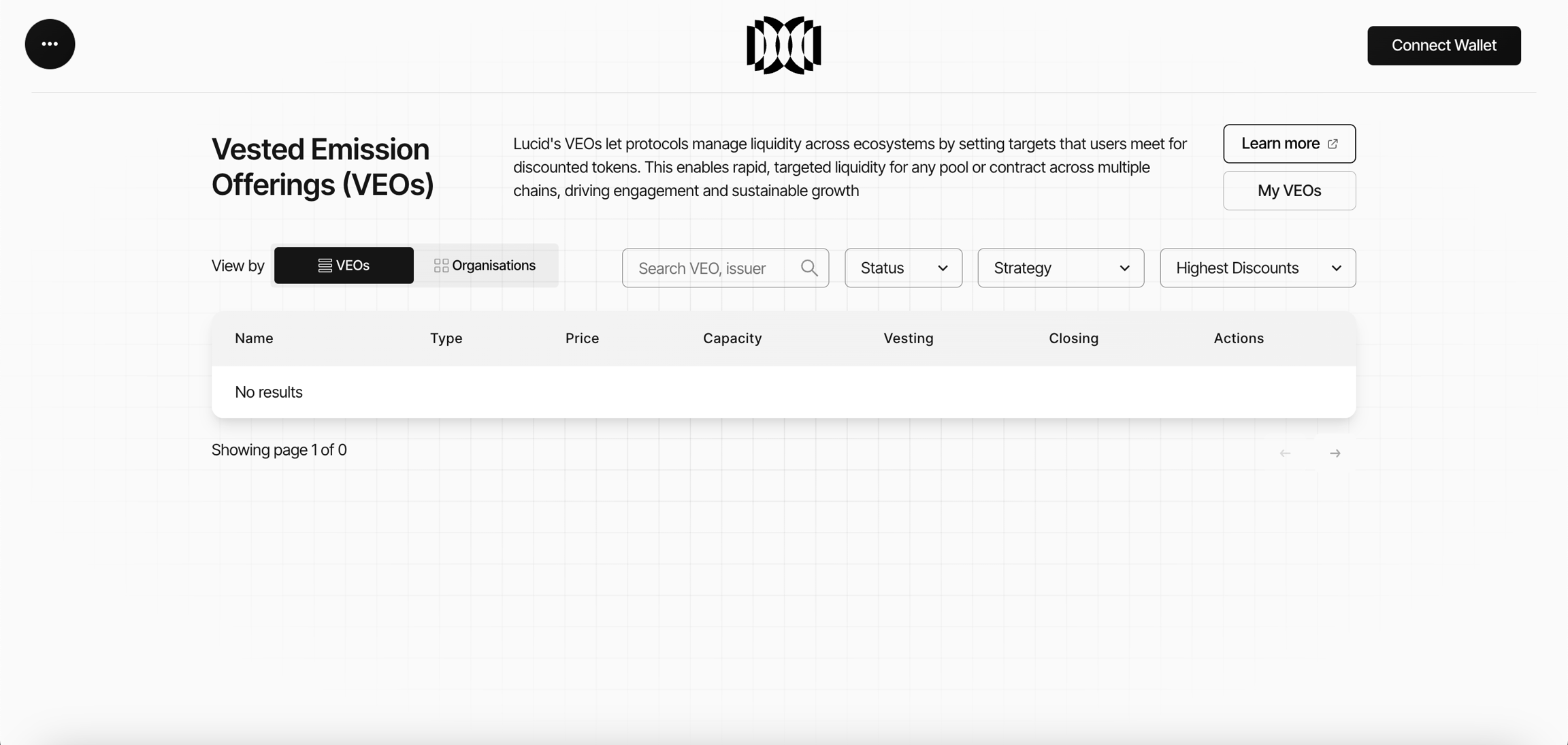
The Available Deals section displays active OTC transactions available to the connected wallet.
Each deal includes:
| Field | Description |
|---|---|
| Name | Issuing organisation and deployment chain |
| Type | Deal structure and pricing strategy |
| Price | Current token price and discount |
| Capacity | Percentage of allocation filled |
| Vesting | Vesting duration and expiry date |
| Actions | Access detailed market participation page |
This interface allows users to compare:
- discounts
- vesting structures
- market capacity
- pricing strategies
- supported ecosystems
before settling an OTC deal.
My Deals Dashboard
The My Deals dashboard provides buyers with a personalised overview of their OTC purchases and vesting activity.
Users can access this dashboard through:
- the My Deals button
- the sidebar dashboard navigation
The dashboard allows users to:
- monitor purchased deals
- track vesting progress
- review claimable tokens
- analyse participation history
- manage ongoing OTC positions
Additional claiming and token management flows are covered in the Claiming & Unwrapping Tokens section.