

Creating an Organisation
Accessing the Organisation Creation Flow
To create a new organisation:
- Connect your wallet.
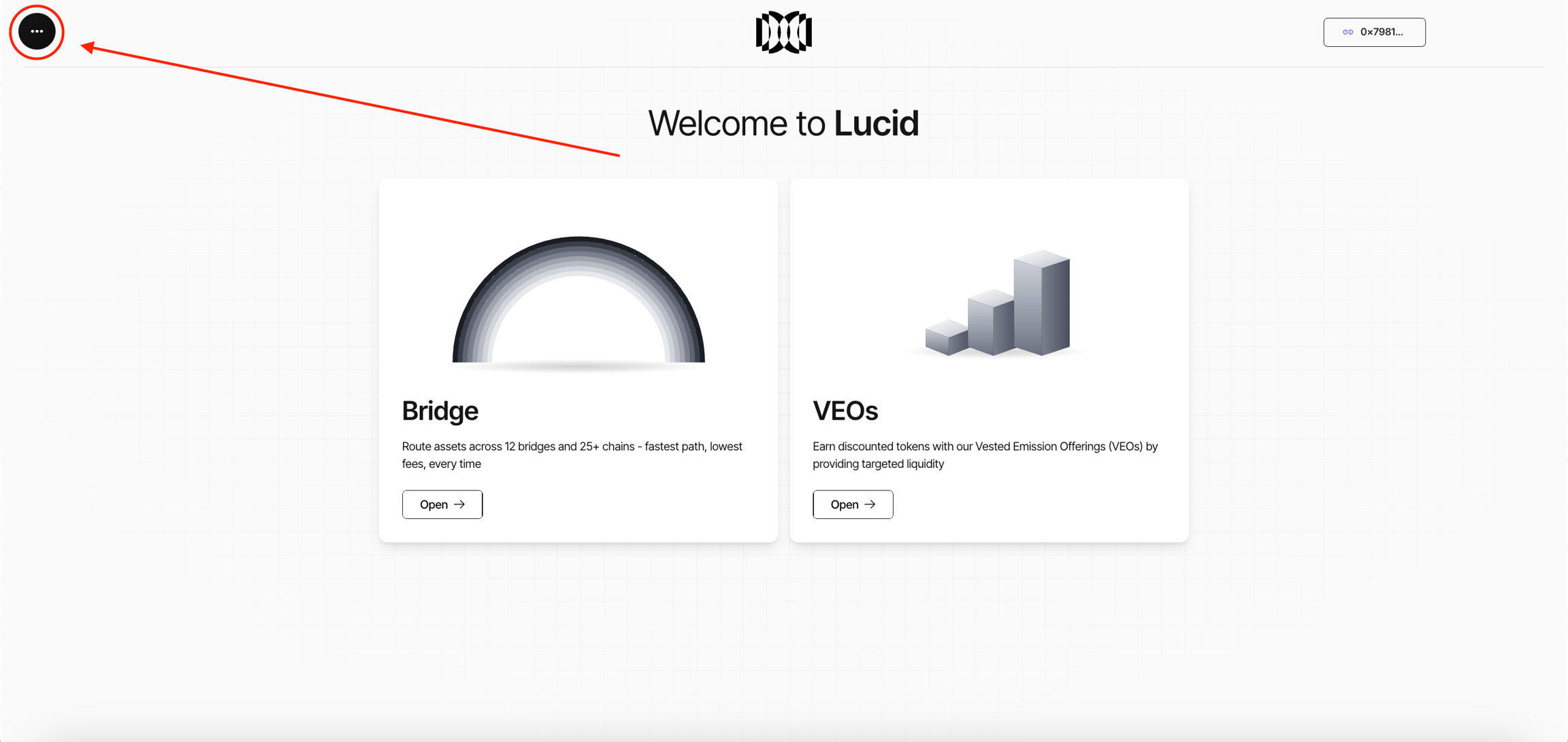
- Open the Organisations section inside Lucid.
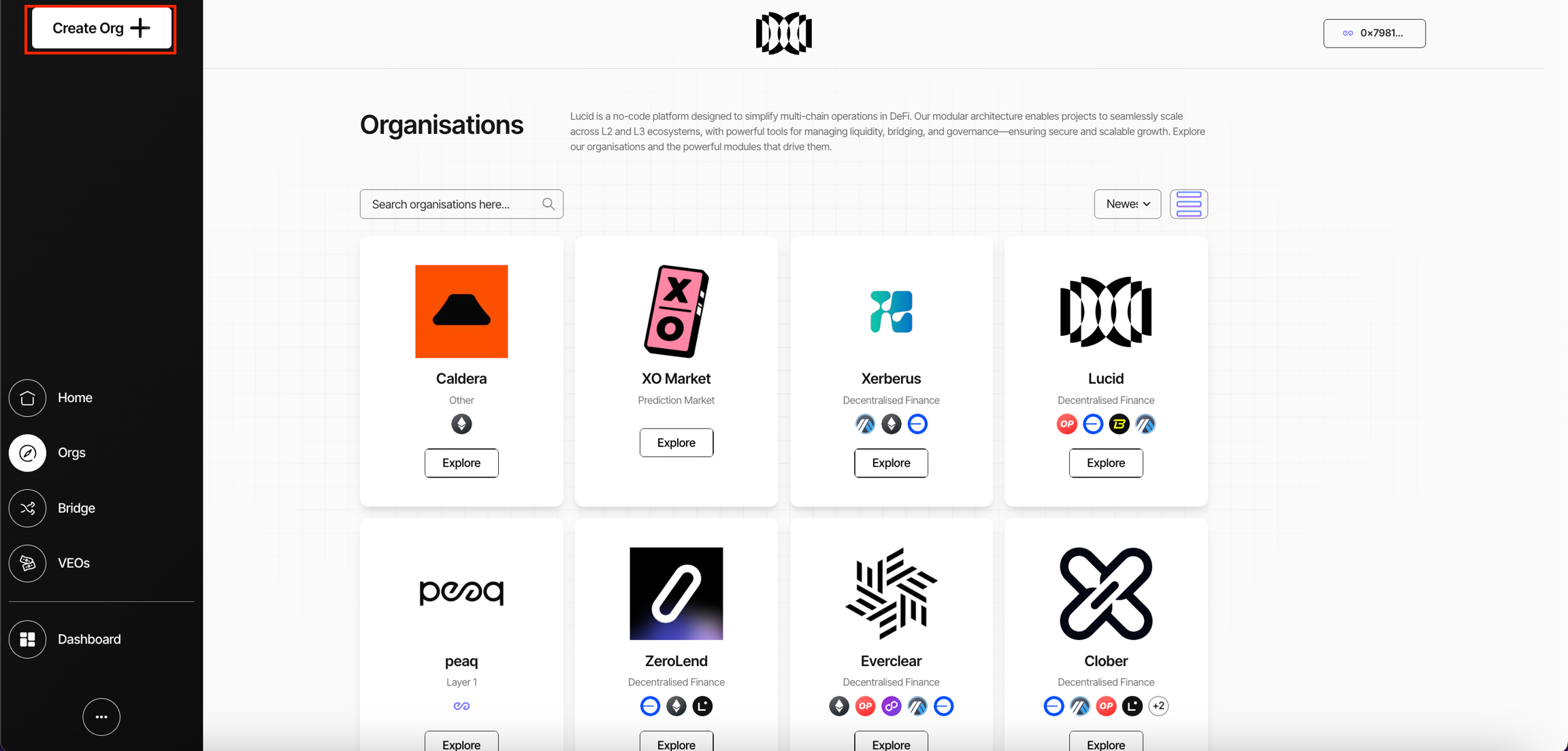
- Click Create Org.
The organisation setup flow guides ecosystems through:
- organisation configuration
- module selection
- governance setup
- interoperability configuration
- token infrastructure deployment
- treasury and bridge coordination
Organisation Setup Flow
The organisation creation flow is divided into multiple configuration stages:
| Step | Purpose |
|---|---|
| Organisation Details | Configure organisation identity and metadata |
| Module Selection | Select operational infrastructure modules |
| Module Configuration | Configure chains, wallets, and module deployment |
| Governance Configuration | Configure governors, voting, and veto infrastructure |
| Token & Bridge Infrastructure | Configure token systems and interoperability infrastructure |
| Review & Deploy | Deploy organisation contracts and infrastructure |
Each step configures a separate operational layer of the organisation.
1. Organisation Details
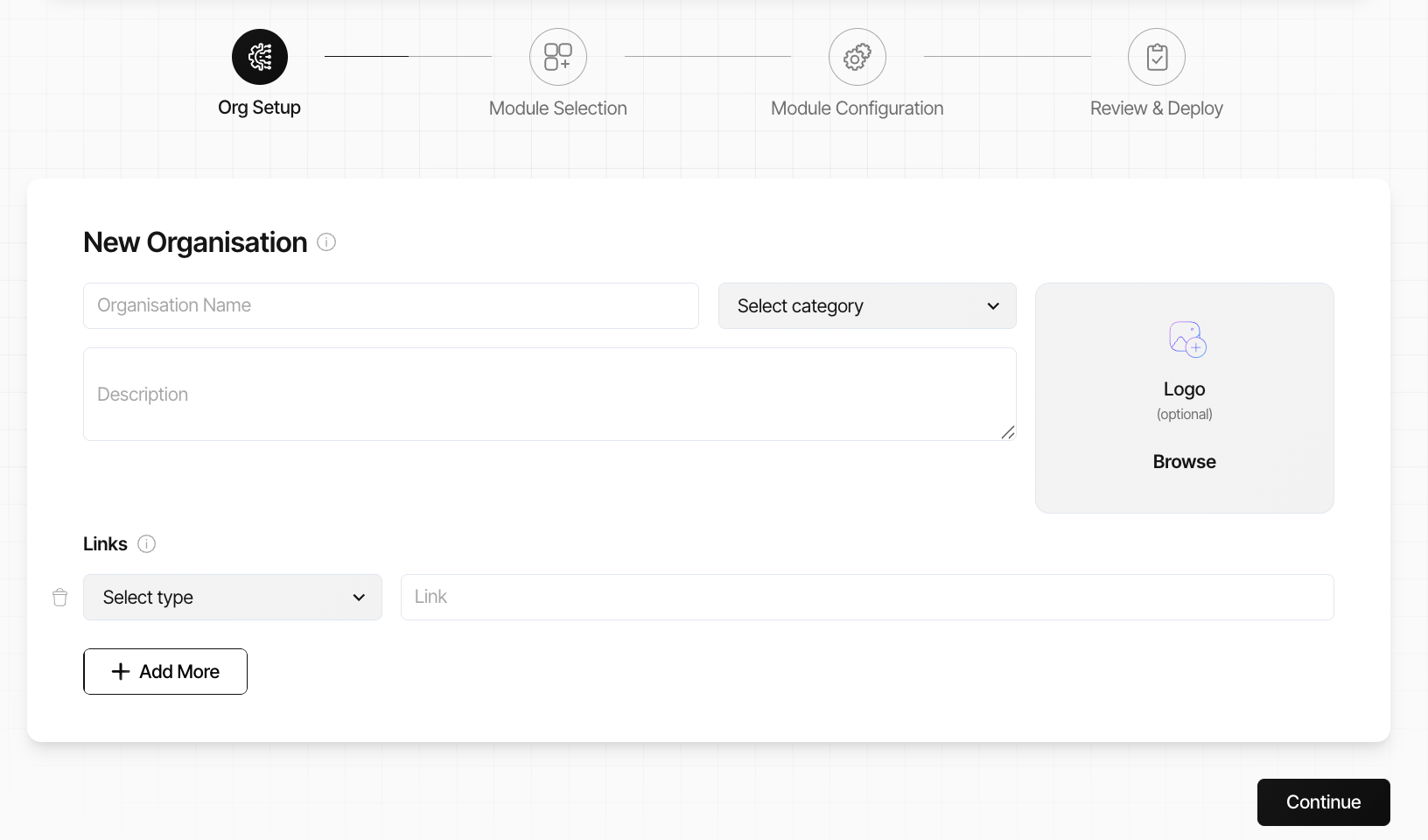
The Organisation Details step configures the organisation’s identity and ecosystem metadata.
Users configure:
- organisation name
- organisation category
- organisation description
- organisation logo
- external ecosystem links
Supported link types can include:
- Website
- GitHub
- documentation links
- ecosystem resources
Supported Categories
Organisations can be configured under categories such as:
- Decentralised Finance
- Investment Syndicate
- Infrastructure
- DAO
- Governance
- Ecosystem Coordination
Categories are used for ecosystem organisation and discovery.
2. Module Selection
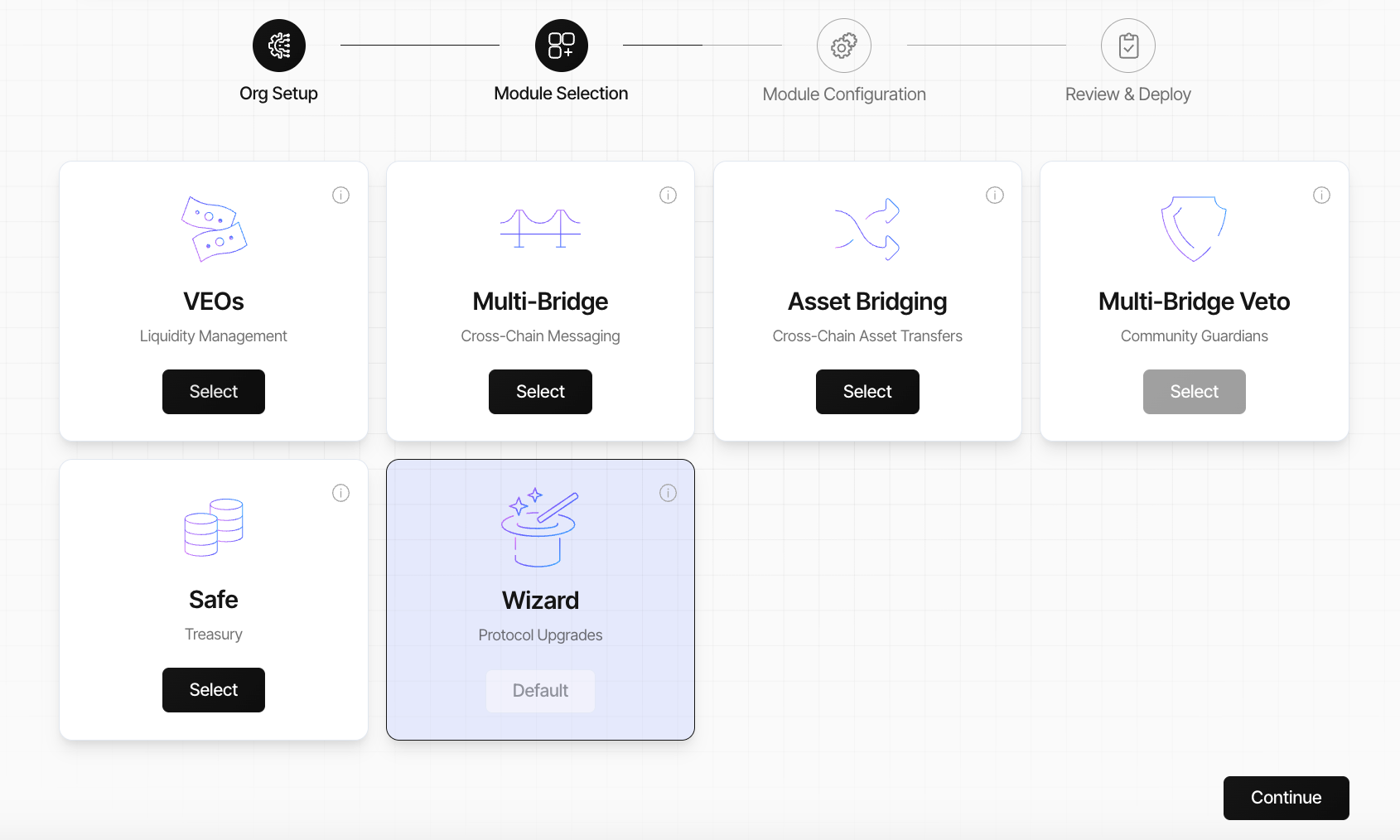
The Module Selection step determines which infrastructure modules will be deployed within the organisation.
Modules are grouped into operational infrastructure categories.
Supported Infrastructure Modules
Supported modules can include:
| Category | Module |
|---|---|
| Interoperability | Multi-Bridge |
| Governance | 1 Token 1 Vote |
| Governance | Quadratic Voting |
| Governance | Pre-Vote Veto |
| Governance | Pre-Execution Veto |
| Governance | Multi-Bridge Veto |
| Liquidity Management | OTC Infrastructure |
| Treasury | Safe Treasury |
| Collaboration | Working Group |
| Protocol Management | Protocol Upgrades Wizard |
The Protocol Upgrades Wizard is enabled by default because it manages operational upgrade coordination.
Module Dependencies
Some modules require prerequisite infrastructure before activation.
Examples:
- Multi-Bridge Veto requires Multi-Bridge infrastructure
- Pre-Vote Veto requires governance infrastructure
- Pre-Execution Veto requires governance infrastructure
Lucid automatically validates module dependencies during setup.
3. Module Configuration
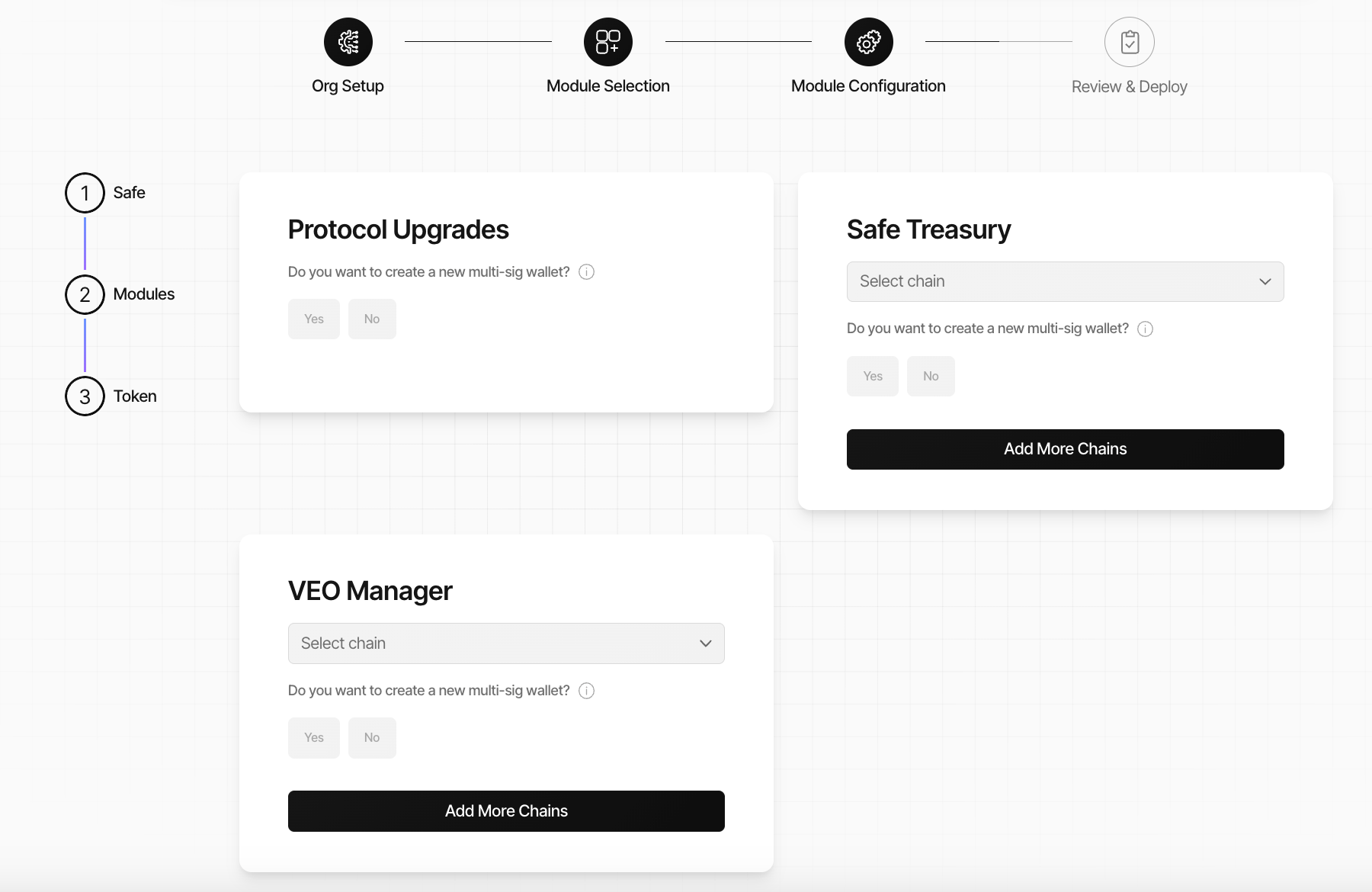
After selecting modules, organisations configure deployment infrastructure for each module.
Configuration can include:
- deployment chains
- multisignature wallets
- operational ownership
- working group configuration
- treasury infrastructure
- governance deployment
- interoperability infrastructure
Configuration Submenus
The configuration interface can contain multiple operational submenus depending on selected infrastructure.
Available submenus may include:
| Submenu | Purpose |
|---|---|
| Safe | Treasury and multisignature configuration |
| Governor | Governance deployment configuration |
| Modules | Infrastructure deployment configuration |
| Token | Token and interoperability configuration |
Submenu visibility depends on the selected modules.
For example:
- governance infrastructure enables Governor configuration
- interoperability infrastructure enables bridge configuration
- token infrastructure enables token deployment flows
Treasury & Operational Infrastructure
Infrastructure modules can be configured across multiple chains simultaneously.
Operational modules can include:
- Protocol Upgrades
- Safe Treasury
- OTC Manager
Each module can:
- deploy new multisignature wallets
- connect existing wallets
- configure operational ownership
- support multi-chain deployment
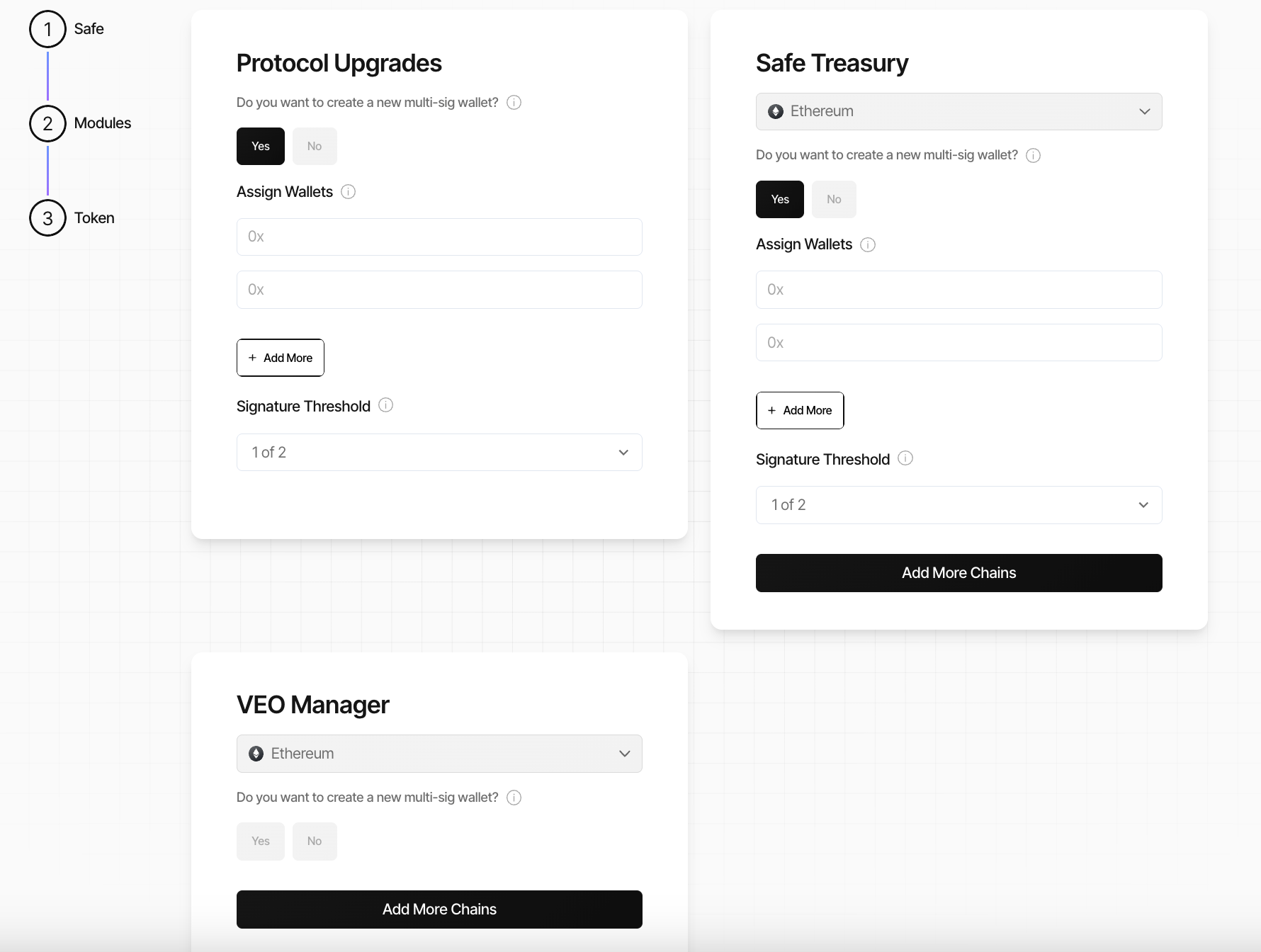
Multi-Chain Deployment
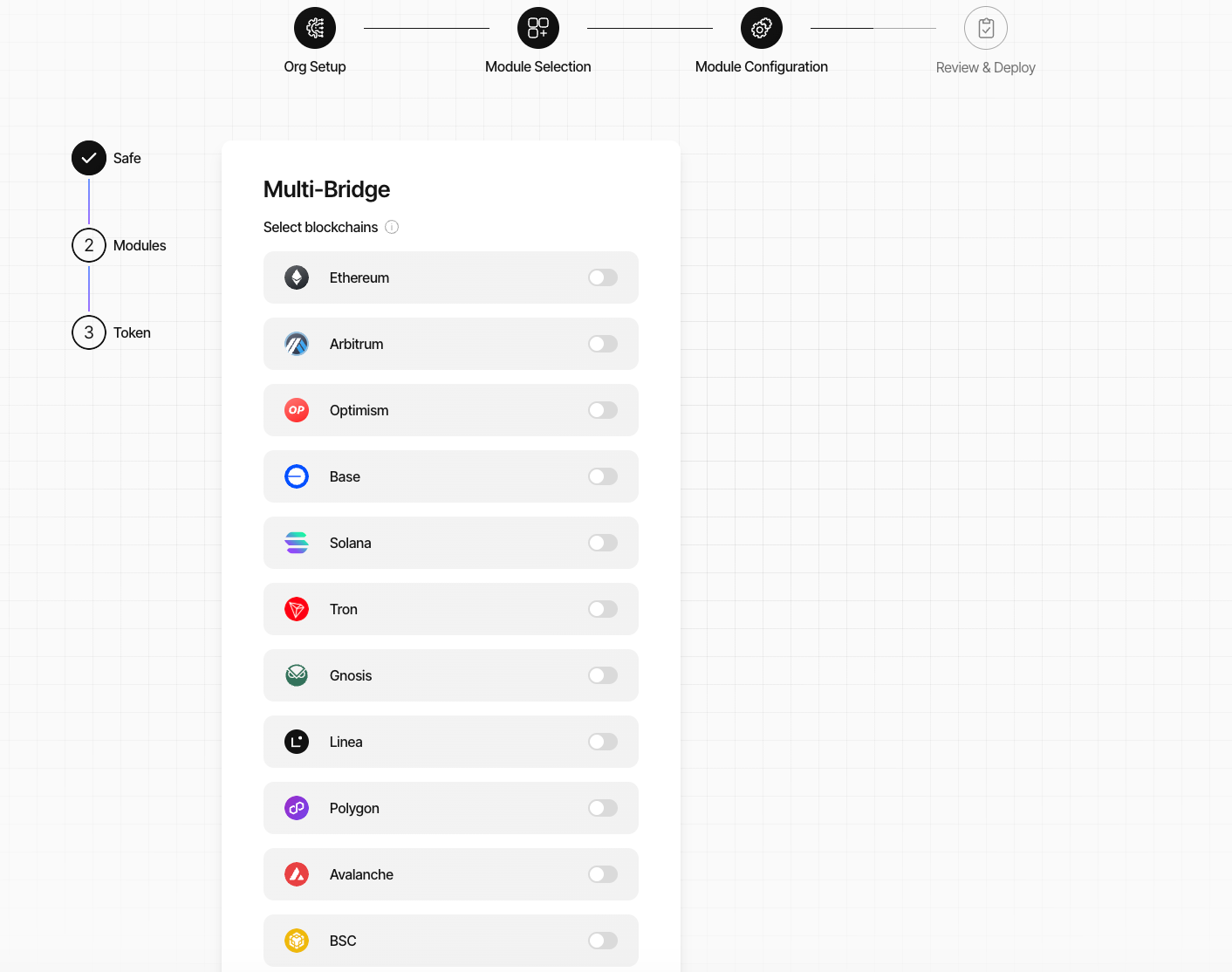
Most operational modules support deployment across multiple chains.
Additional chains can be added during configuration through the Add More Chains functionality.
Multi-chain deployment allows organisations to:
- coordinate infrastructure across ecosystems
- separate operational environments
- deploy governance and interoperability systems modularly
Review & Deployment Preparation
After all infrastructure configuration steps are completed:
- Lucid prepares deployment contracts
- deployment dependencies are validated
- operational infrastructure is assembled
- deployment readiness is verified
The deployment process itself is covered in the Review & Deploy section later in this flow.