

How To Use Multi-Bridge
Accessing Multi-Bridge
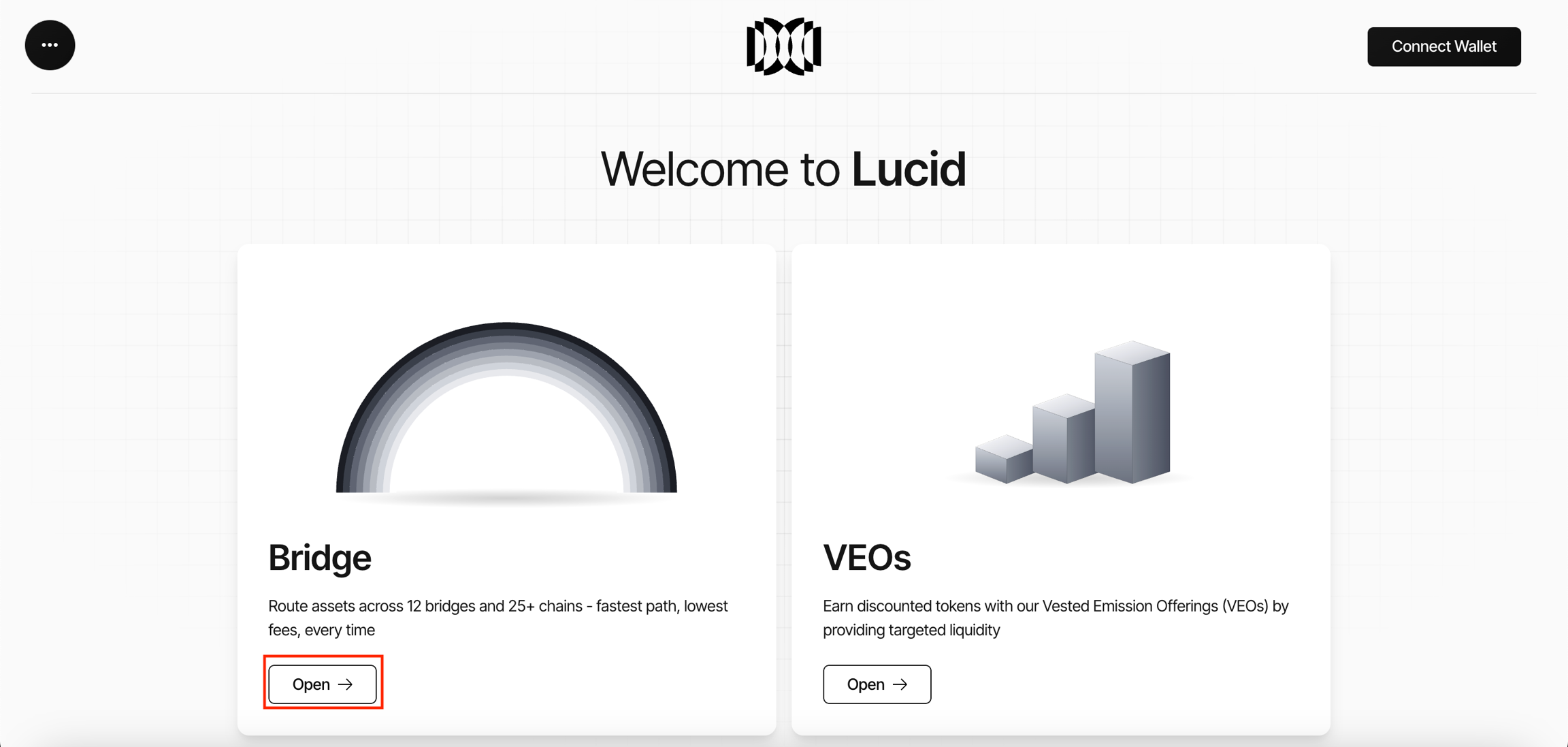
- Open the Lucid platform.
- Navigate to the Bridge section from the homepage.
- Click Open to access Multi-Bridge.
Creating an Asset Transfer
Single-bridge transfers are used when the transfer amount remains within the configured limit of an individual bridge provider.
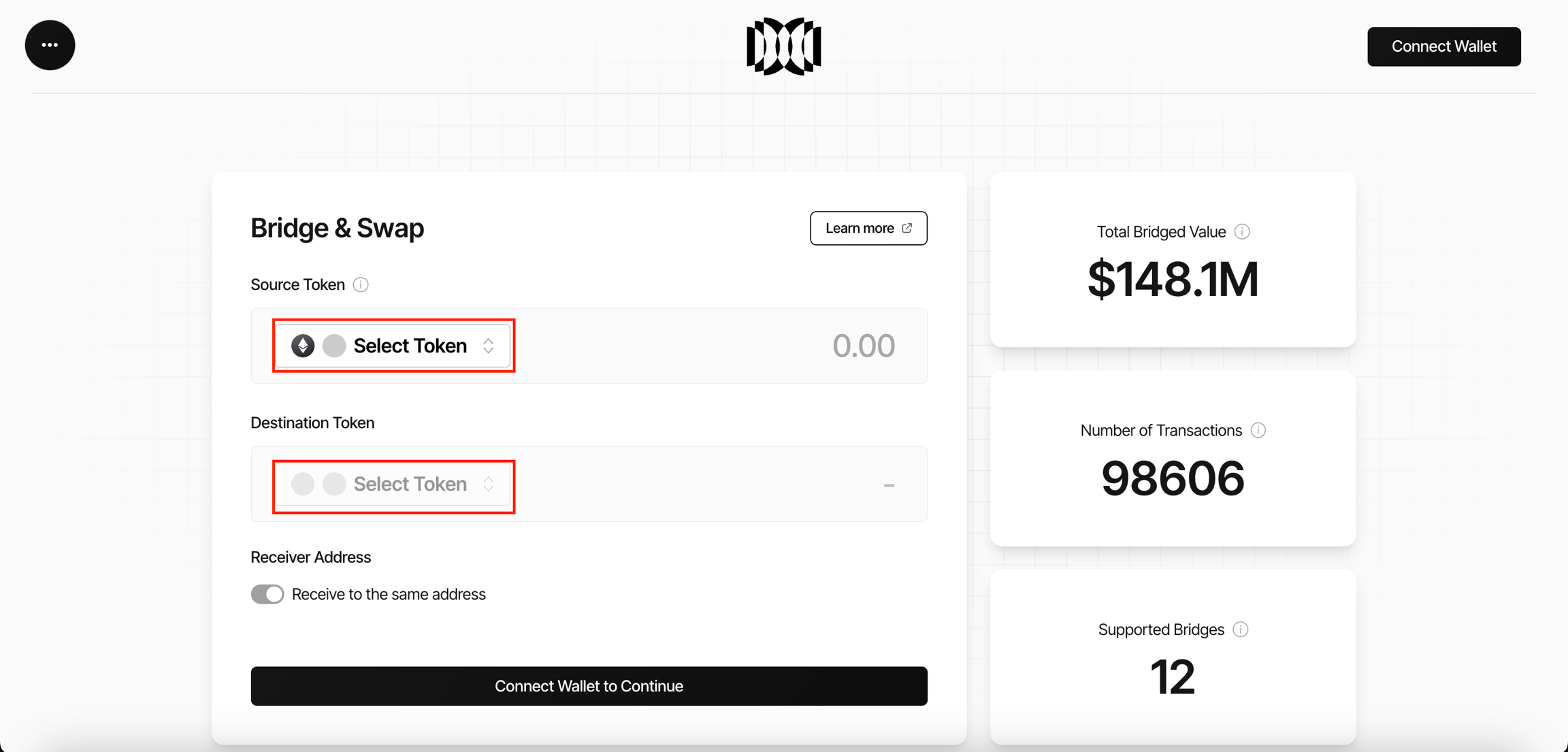
- Select the token to transfer.
- Select the source chain.
- Select the destination chain.
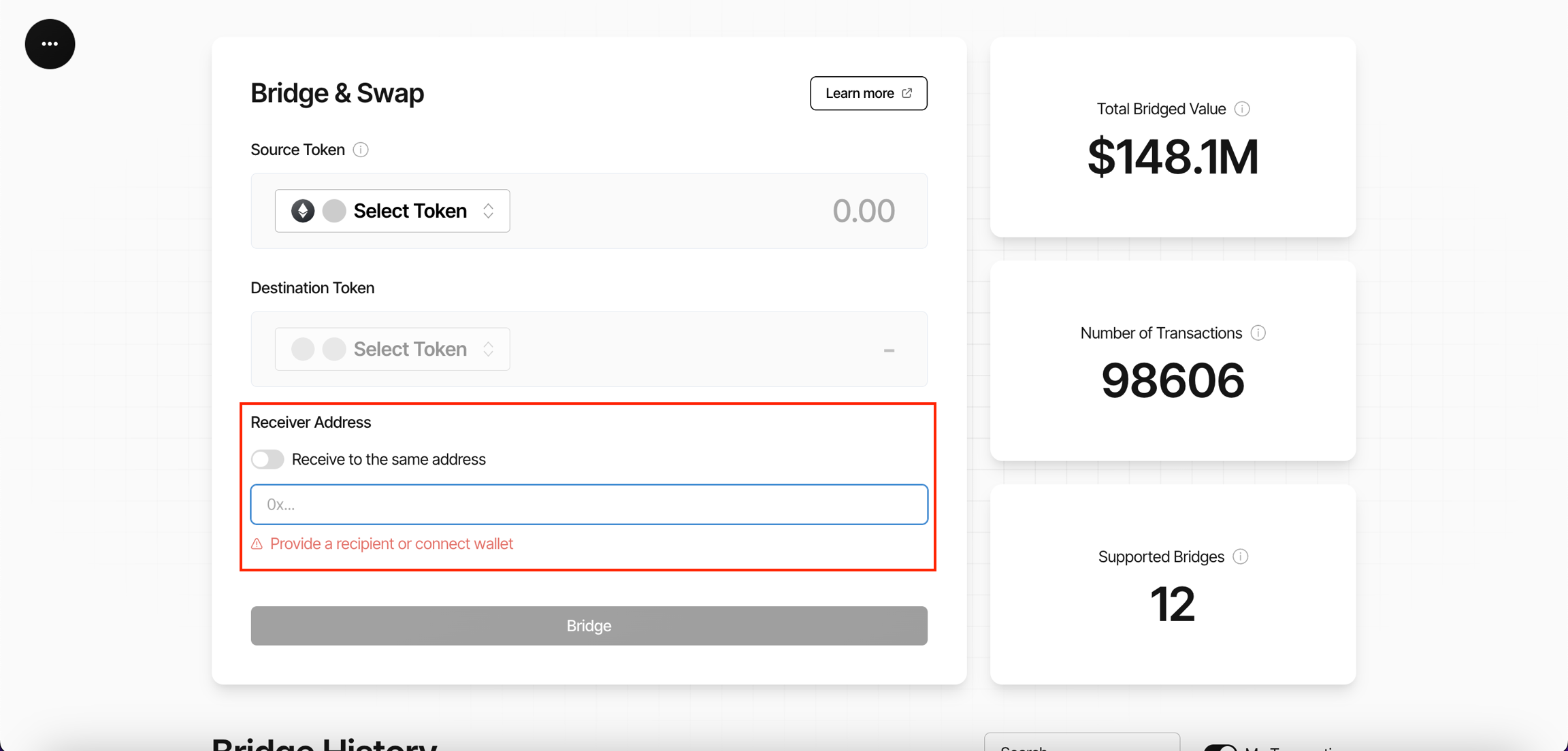
- Enter the receiver address or use your connected wallet address.
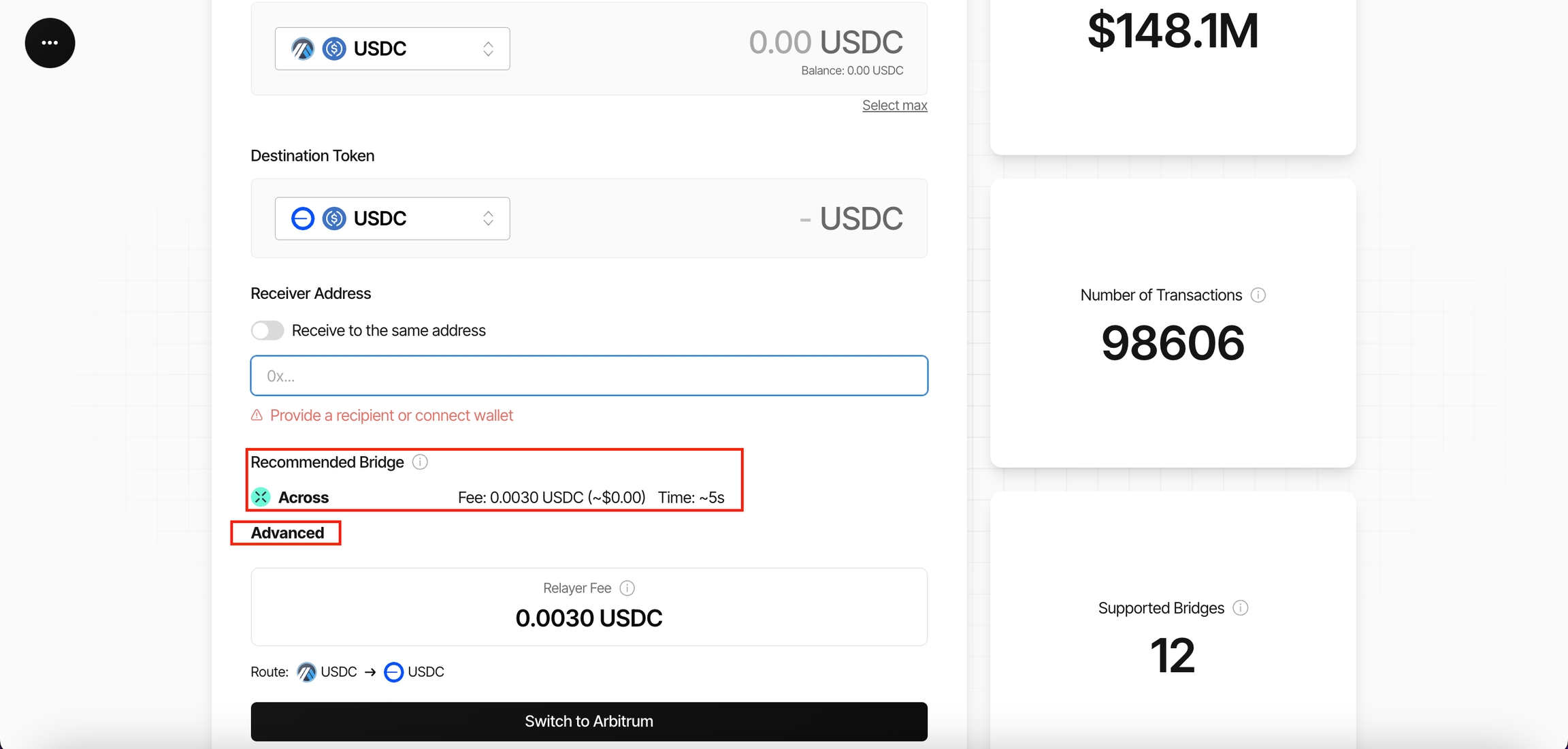
- Proceed with the recommended bridge or select a preferred bridge provider.
- Review:
- relayer fees
- mint limits
- burn limits
- estimated routing information
- Confirm and execute the transfer.