

Strategic Asset Deals
Accessing the OTC Deal Page
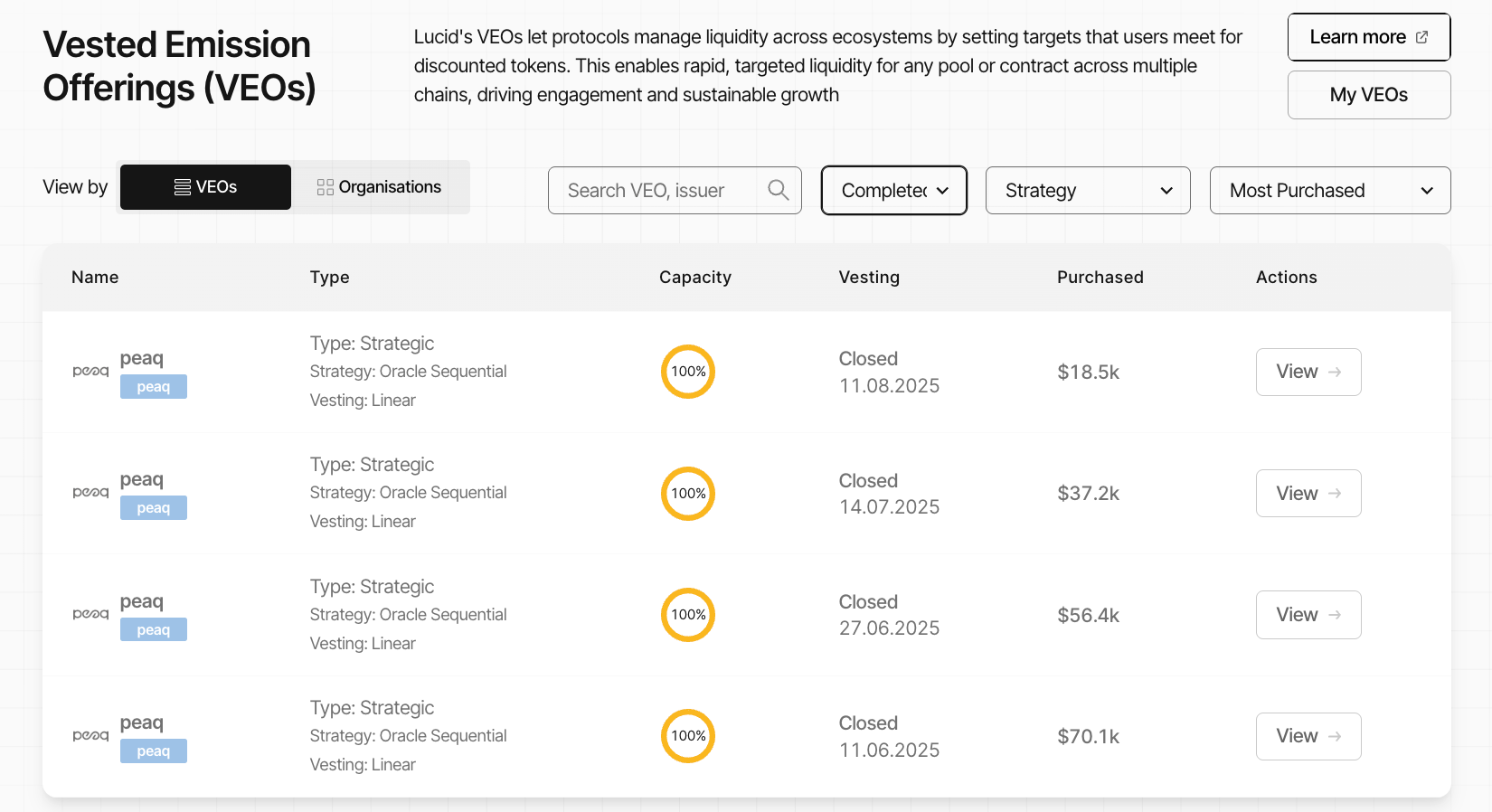
- Navigate to the OTC section in Lucid.
- Locate the Strategic Asset deal you want to participate in.
- Click View to open the purchase page.
Reviewing Deal Information
After opening the deal page, review the on-chain configuration and purchase details.
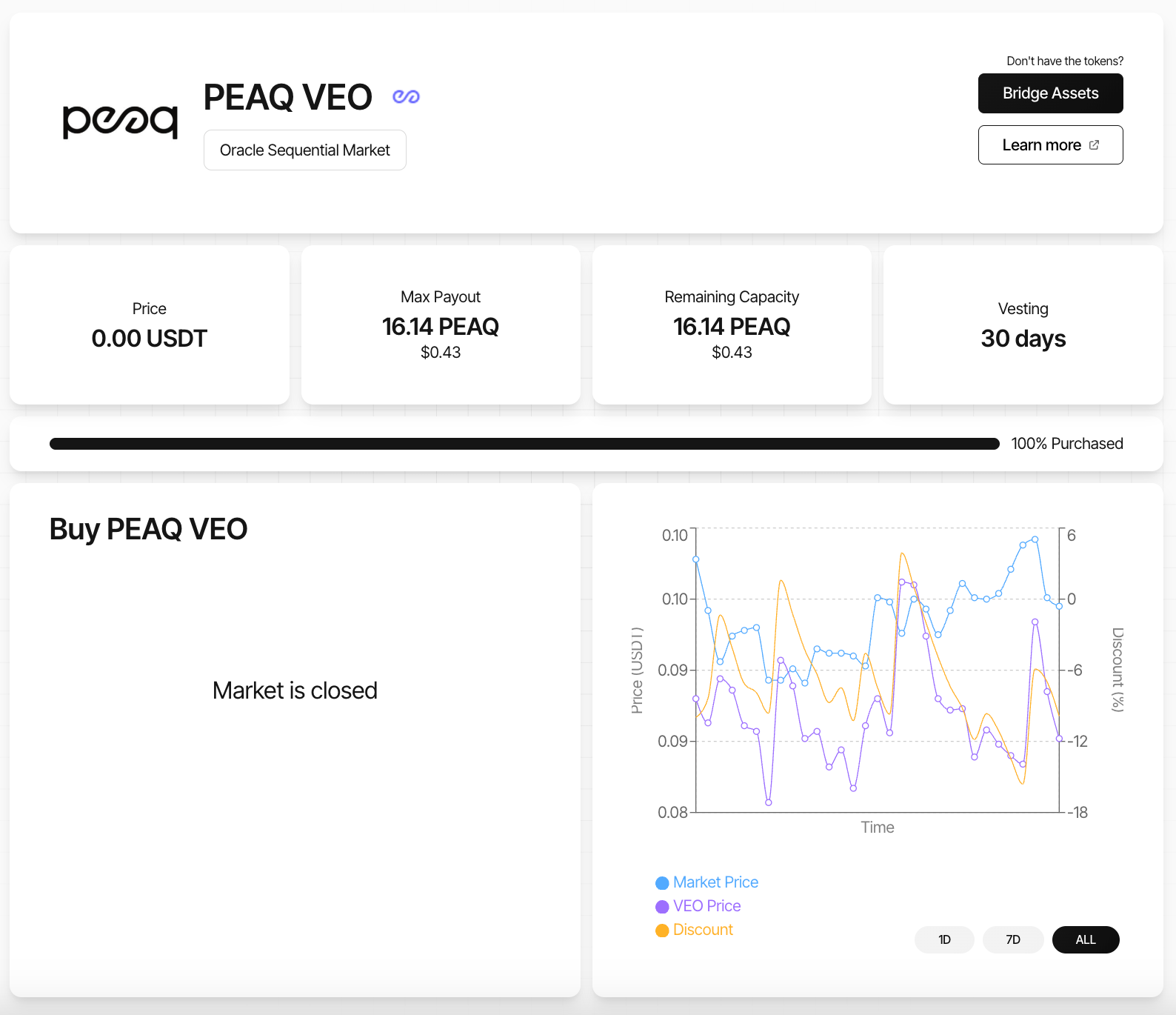
The page displays:
- current token price
- current discount
- total remaining capacity
- vesting duration
- vesting expiry date
- maximum payout
- deal type
- pricing strategy
Preparing Assets
Strategic Asset deals accept assets such as:
- USDC
- USDT
- ETH
Before purchasing:
- ensure the correct asset is available
- ensure assets are on the correct chain
- verify wallet connectivity
If the required asset is unavailable:
- use Lucid’s Multi-Bridge infrastructure
- bridge assets to the required chain
- swap into the required asset through a supported DEX
- alternatively transfer assets from a centralised exchange
The purchase page includes a Bridge Assets button that opens Lucid’s Multi-Bridge interface directly.
Settling the Deal
- Select the asset to use for payment.
- Enter the amount to pay.
- Review:
- governance token payout
- discount percentage
- vesting duration
- vesting end date
- Click the purchase action.
- Confirm the transaction in your wallet.
Once executed:
- contributed assets are transferred to the configured seller or treasury address
- the purchase becomes non-refundable
- vested governance tokens are allocated to your wallet
Example Purchase Calculation
Example:
- OTC discount: 10%
- contribution amount: $100 USDT
Calculation:
$100 ÷ (1 - 0.10) = $111.11The participant receives:
- $111.11 worth of governance tokens
- vested over the configured vesting duration
The contributed assets are transferred permanently into the ecosystem treasury infrastructure.
Claiming Vested Tokens
Purchased governance tokens vest progressively over time.
Users can:
- monitor vesting progress
- review claimable balances
- claim unlocked tokens
through the My Deals dashboard.
Additional claiming and token management flows are covered in the Claiming & Unwrapping Tokens section.
Pricing Chart Overview
The Strategic Asset deal interface includes a real-time pricing chart that compares:
- market pricing
- deal pricing
- discount percentage
This helps users analyse pricing conditions before settling the deal.
Chart Components
| Component | Description |
|---|---|
| Market Price | Real-time token market price |
| Deal Price | Current OTC purchase price |
| Discount Curve | Current discount percentage relative to market pricing |
The interface supports:
- 1D view
- 7D view
- All-time view