

How To Create an OTC Deal
Lucid turns negotiated commercial terms into a governed, on-chain settlement and vesting flow. Agree the allocation, price or discount, payment asset, vesting schedule, capacity, and eligible participants before configuring the deal.
Accessing the OTC Section
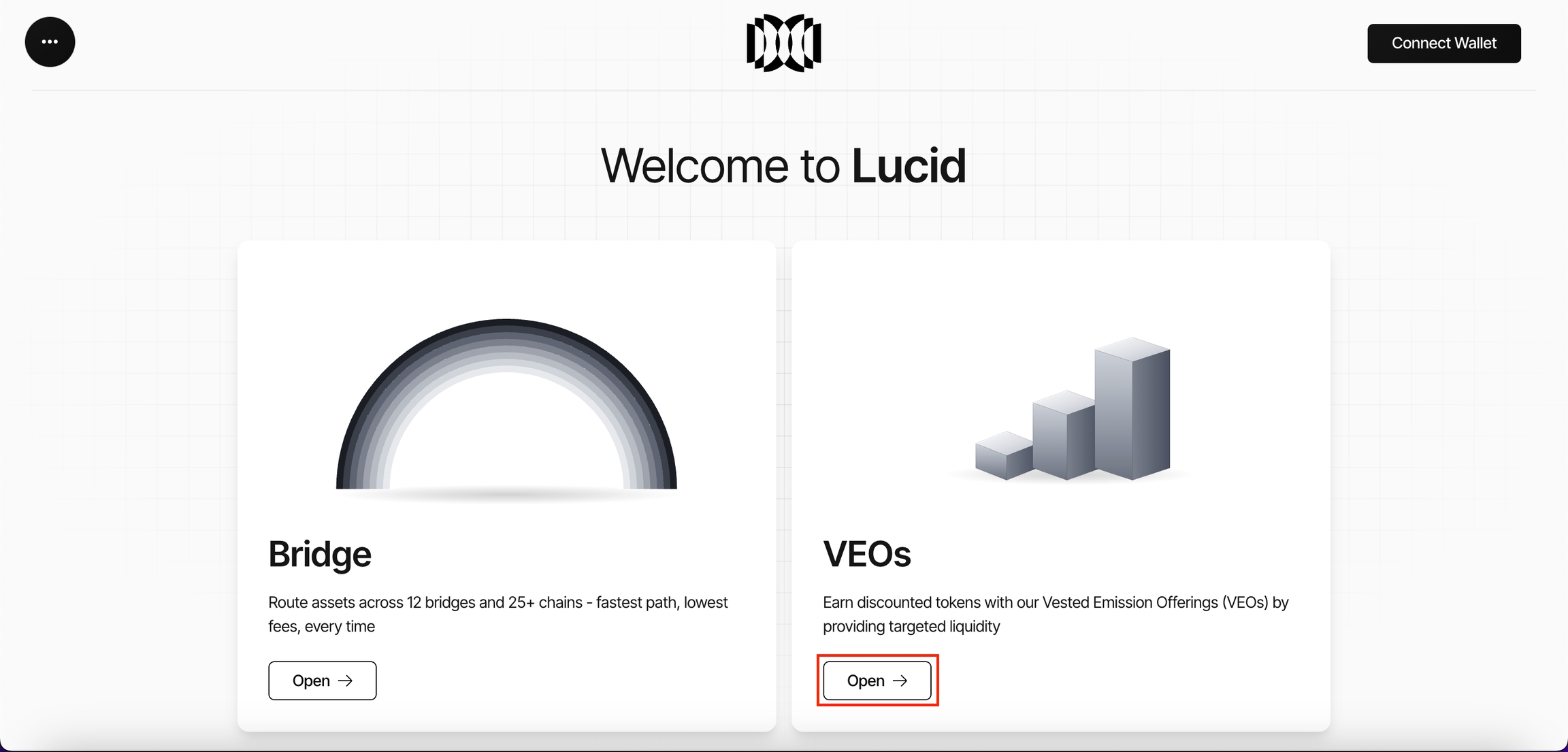
- Open the Lucid platform.
- Navigate to the OTC section.
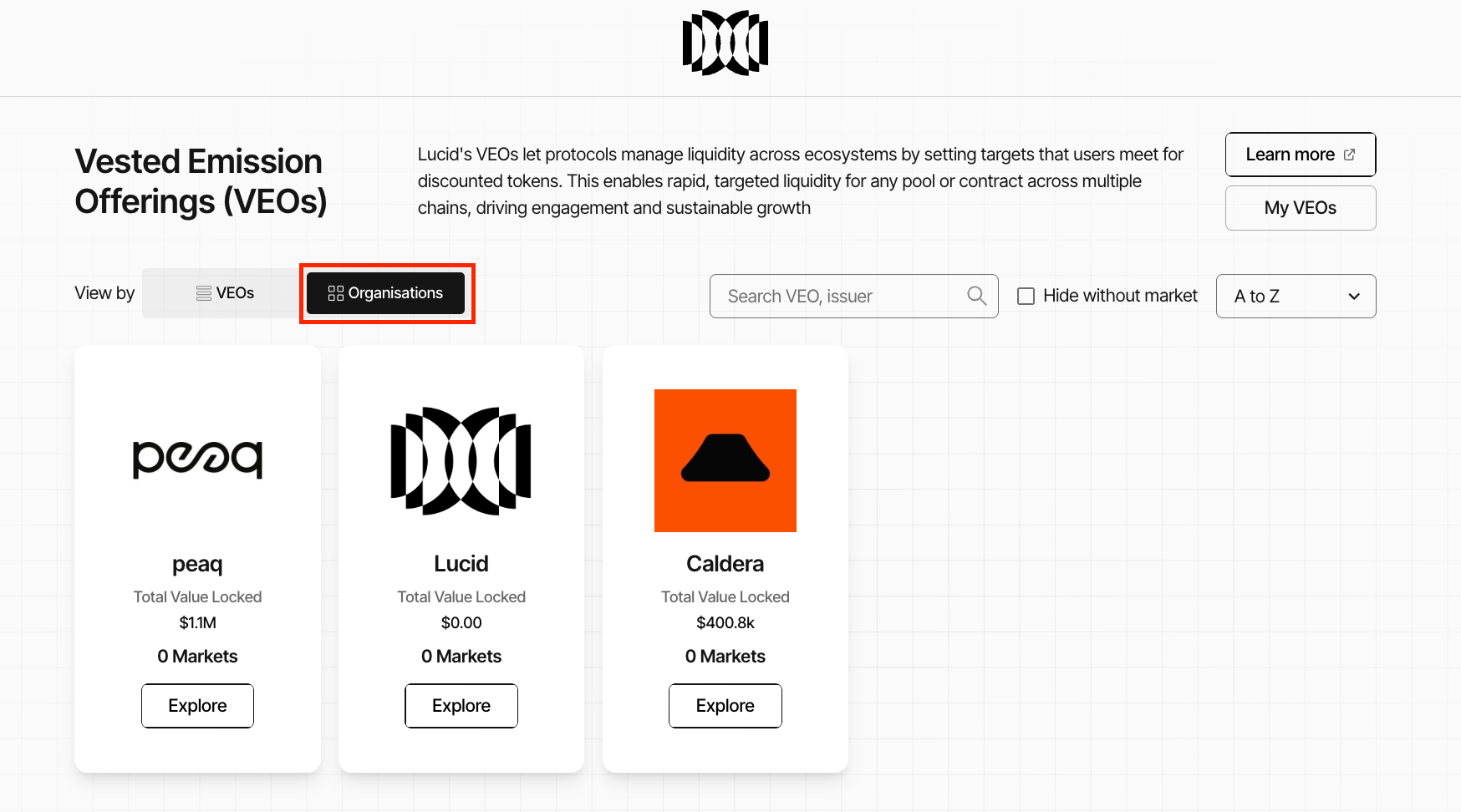
Selecting an Organisation
- Open Organisations View inside the OTC section.
- Review available organisations and their active OTC deals.
- Click Explore on the organisation where the deal will be created.
Opening the Deal Creation Interface
- Inside the organisation page, click the action to create an OTC deal.
- The deal creation interface will open.
Creating a Smart Pool on Steer
Liquidity deals require a Smart Pool to be created through Steer Protocol before deployment.
The Smart Pool acts as the quote-token infrastructure for the deal.
Quote Token:
- the asset or LP position deposited by participants into the settlement contract
Creating the Smart Pool
- Click Create Smart Pool inside the OTC setup interface.
- You will be redirected to Steer Protocol.
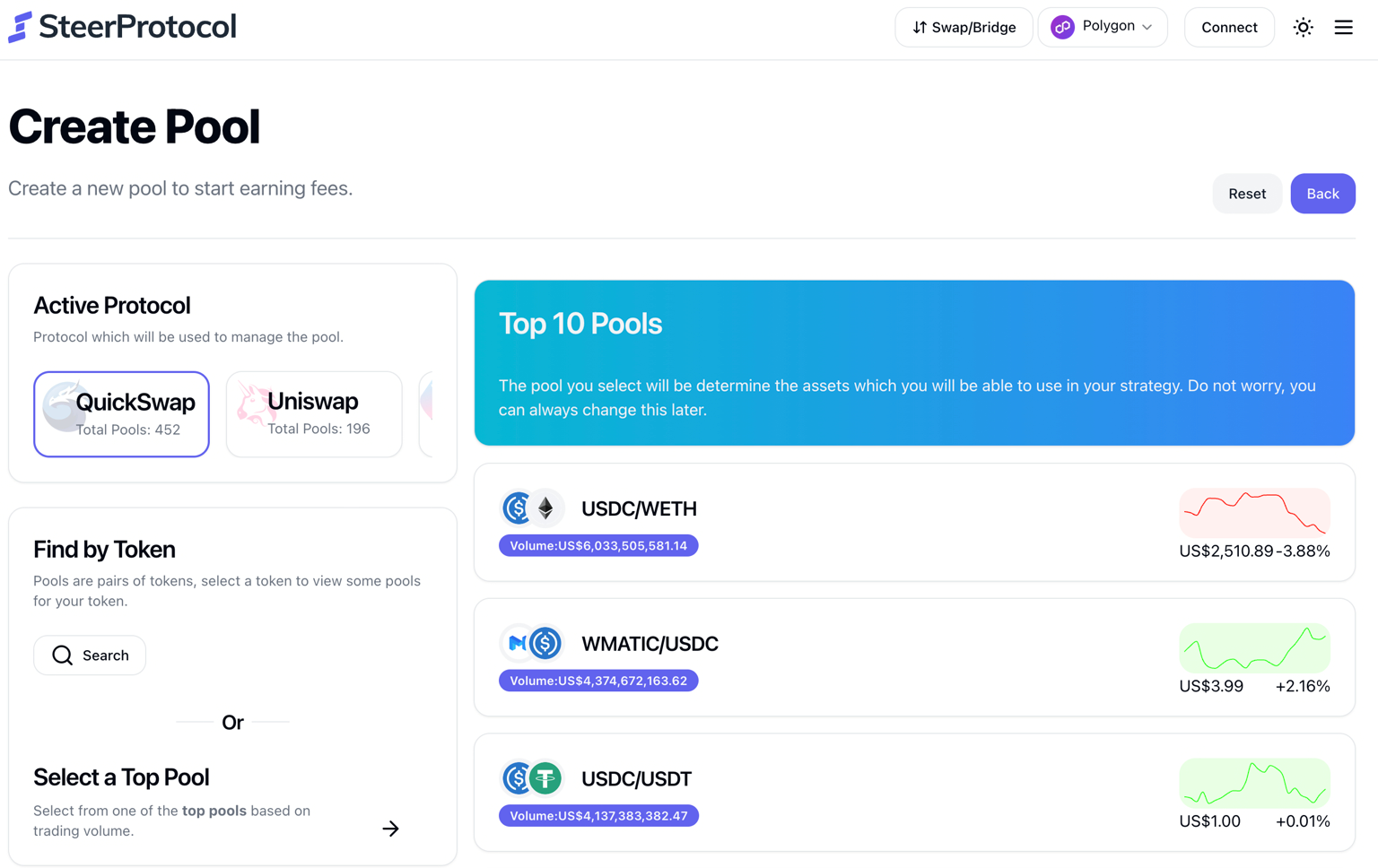
- Configure the LP pool:
- token pair
- liquidity structure
- pool configuration
- Deploy the Smart Pool.
- Copy the Smart Pool contract address.
This address will later be used as the Quote Token Address during deal configuration.
Configuring the OTC Deal
After preparing any required payment-asset infrastructure, configure the negotiated OTC terms inside Lucid.
Core Configuration Fields
| Field | Description |
|---|---|
| Select Chain | Blockchain where the OTC deal will be deployed |
| Select Type | Strategic Asset, Liquidity, or TVL deal |
| Select Strategy | Fixed-Price, Sequential Dutch, Oracle-Fixed, or Oracle-Sequential |
| Payout Token Address | Token allocated to the buyer and released through vesting |
| Quote Token Address | Asset or Smart Pool address used for participation |
Vesting Configuration
Configure the vesting structure for distributed governance tokens.
Supported vesting options include:
- Linear vesting
- Standard vesting
- Fixed Term schedules
- Fixed Expiry schedules
Additional vesting configuration includes:
- vesting duration
- unlock timing
- vesting expiry date
Where available, the deal can also include a cliff, milestone-based unlocks, or a custom schedule. Confirm the complete schedule before deployment; the terms cannot be quietly changed after the deal goes live.
Deposit Configuration
Configure how deposits are processed by the OTC settlement contract.
Supported settings include:
- deposit interval timing
- minimum deposit interval
- market capacity
- accepted asset configuration
- minimum ticket size
- maximum allocation per wallet
- bilateral, allowlisted, or open participation
The recommended deposit interval is typically:
24 hoursMarket Duration
Configure:
- market start date
- market end date
- deal duration
- participation window
These settings determine when the deal becomes active and when participation closes.
Pricing Configuration
Configure the pricing model according to the negotiated deal terms.
Pricing configuration may include:
- fixed pricing
- Dutch auction behaviour
- oracle integrations
- dynamic pricing adjustments
- discount coordination
Oracle-linked pricing can use supported Chainlink, Uniswap, or Lucid pricing infrastructure. Oracle availability depends on the selected chain and asset pair.
The interface also provides a Market Simulation preview showing how pricing behaves based on the configured parameters.
Deploying the Deal
After configuring and reviewing the deal:
- Click Deploy.
- Lucid generates the deployment proposal.
Depending on the organisation configuration:
- deployment may execute immediately
- or require multisignature approval
Multisignature Approval Flow
If the organisation uses multisig governance:
- multisig signers must review the proposal
- signers open the OTC Manager module
- pending deal proposals become visible
- required signers approve the proposal
The required approval threshold must be reached before execution becomes available.
Supported thresholds can include:
- 2-of-3
- 3-of-5
Executing the Deployment
After the required approvals are collected:
- an authorised signer executes the proposal
- the OTC deal is deployed on-chain
- the deal becomes visible inside Live Markets to its eligible participants
Users can monitor:
- pending deals
- historical deployments
- deployment status
through the OTC Manager module.
Once deployed, the commercial terms are immutable. The buyer can then deposit the approved quote asset, after which payment and allocation settle atomically and vesting begins according to the configured schedule.